Embed booking via iframe, no plugin, no account, no portal
One code snippet in your existing WordPress or Wix site, and your appointment booking is live. Appointment booking via iframe without a plugin, hosted in the EU, installed by us. The form feeds the waitlist and the automatic rebooking of open slots directly.
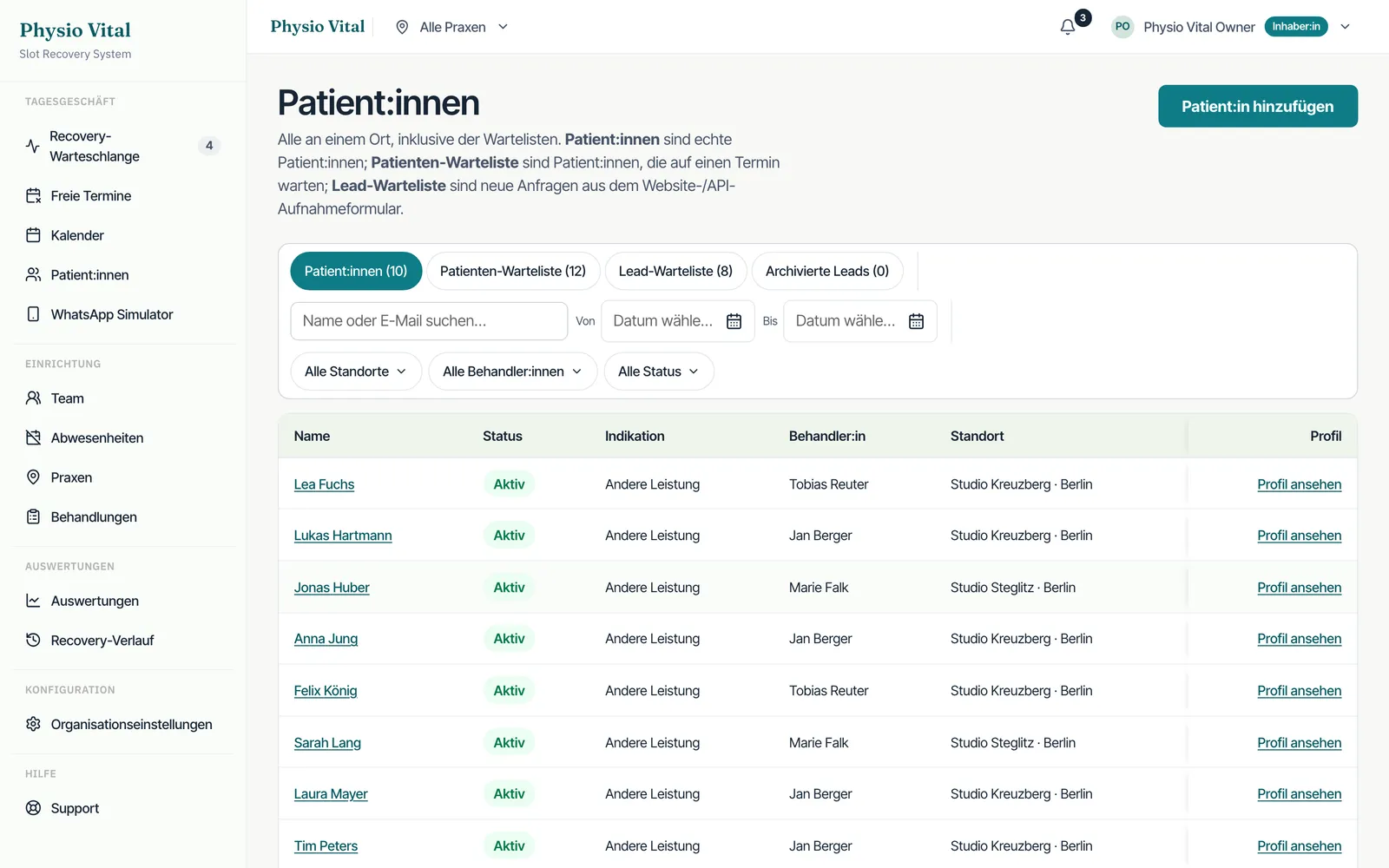

Embed a booking system into your website in three steps
- Schritt 01
Configure the form
We set up your appointment types, opening hours and required fields in the industry template. Initial consultation, advice, follow-up, trial treatment, exactly the slots you actually offer.
- Schritt 02
Install the snippet
You get one line of iframe code. We drop it into your site, whether WordPress, Wix, Jimdo, Typo3 or plain HTML. No plugin, no second login, no theme changes.
- Schritt 03
The engine runs alongside
Every booking lands in the engine instantly. If an appointment falls through, the system asks the waitlist automatically by WhatsApp or SMS and refills the slot. Without you doing anything.
This is what the embedded form looks like
This is exactly the form we embed into your site via iframe. It adopts your font and colours, works on mobile and sends every booking straight into the engine, including documented consent for the waitlist.
A snippet that breaks nothing
Plugins reach deep into your website, need updates and tend to clash with the theme or cache. The iframe is decoupled from all that. It runs in its own EU-hosted container and only shows the booking form. Engine updates happen on our side, not in your system.
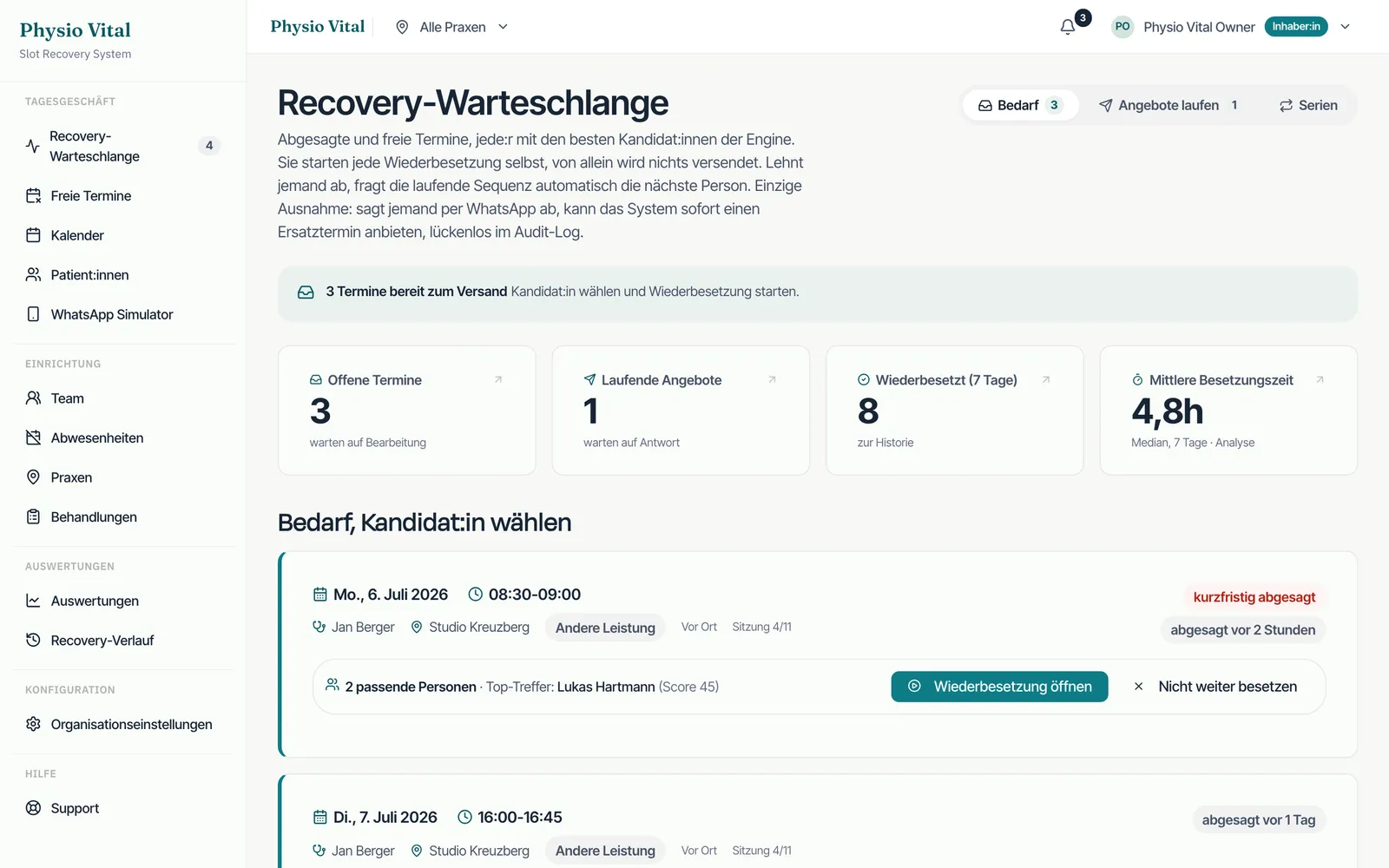


Not just book, refill
On your own domain
The form runs white-label under your address, not on a third-party portal. No referral fee, no industry directory, no competition in the sidebar.
Feeds the waitlist
Anyone who cannot find a suitable slot can join the waitlist with consent. If an appointment later falls through, that person moves up automatically.
Automatic rebooking
On a cancellation or no-show, the engine asks the waitlist by WhatsApp or SMS and reassigns the slot, usually within seconds rather than hours.
Adopts your design
We match colours, font and corner radius to your brand. To visitors it feels like a built-in part of your site, not a foreign system pasted in.
Mobile and accessible
The form is responsive, keyboard-operable and adapts to small screens. More than half of your bookings come from mobile.
Installed by the agency
You send us your website access or copy one line yourself. We handle the rest done-for-you, including a test on your site.
Why not just a plugin or a portal?
Three ways to put a booking on your website. Here is how they differ in practice.
| TerminJet iframe | Booking plugin | Portal link | |
|---|---|---|---|
| On your own domain | |||
| No plugin updates | |||
| No referral fee | |||
| Automatic rebooking of open slots | selten | ||
| Waitlist via WhatsApp/SMS | |||
| EU hosting, PHI AES-256 | teils | teils | |
| Done-for-you install |
Common questions about the iframe install
Do I need a plugin or an account?
No. You embed one line of iframe code, nothing more. No WordPress plugin, no app store, no second login. That saves maintenance and avoids conflicts with your theme.
Does it work on WordPress and Wix?
Yes. The iframe runs on any platform that allows HTML embedding, so WordPress, Wix, Jimdo, Typo3, Webflow, Squarespace or a self-built site. On Wix we use the embed element, on WordPress an HTML block.
Do I have to install it myself?
No, we take care of it. You give us access or copy the snippet once yourself. We then test the install on your site and on mobile before it goes live.
Does the iframe slow down my website?
No. The iframe loads independently of your page and does not block its rendering. The engine runs on our EU servers, so your site stays as fast as before.
Where is the booking data stored?
On EU servers at Hetzner in Germany. Health data is stored encrypted with AES-256, and the waitlist is based on documented consent. The setup is built to be GDPR-compliant.
What happens to the bookings from the form?
Every booking goes straight into the engine. If someone cancels or does not show up, the system automatically asks your waitlist by WhatsApp or SMS and refills the slot. That is the real difference from a plain booking form.