Your waitlist is demand you've already won. Stop letting it sit there.
Most firms keep a waitlist nobody works. TerminJet turns it into a live queue that sends real consultation offers by WhatsApp or SMS the moment your calendar opens up.
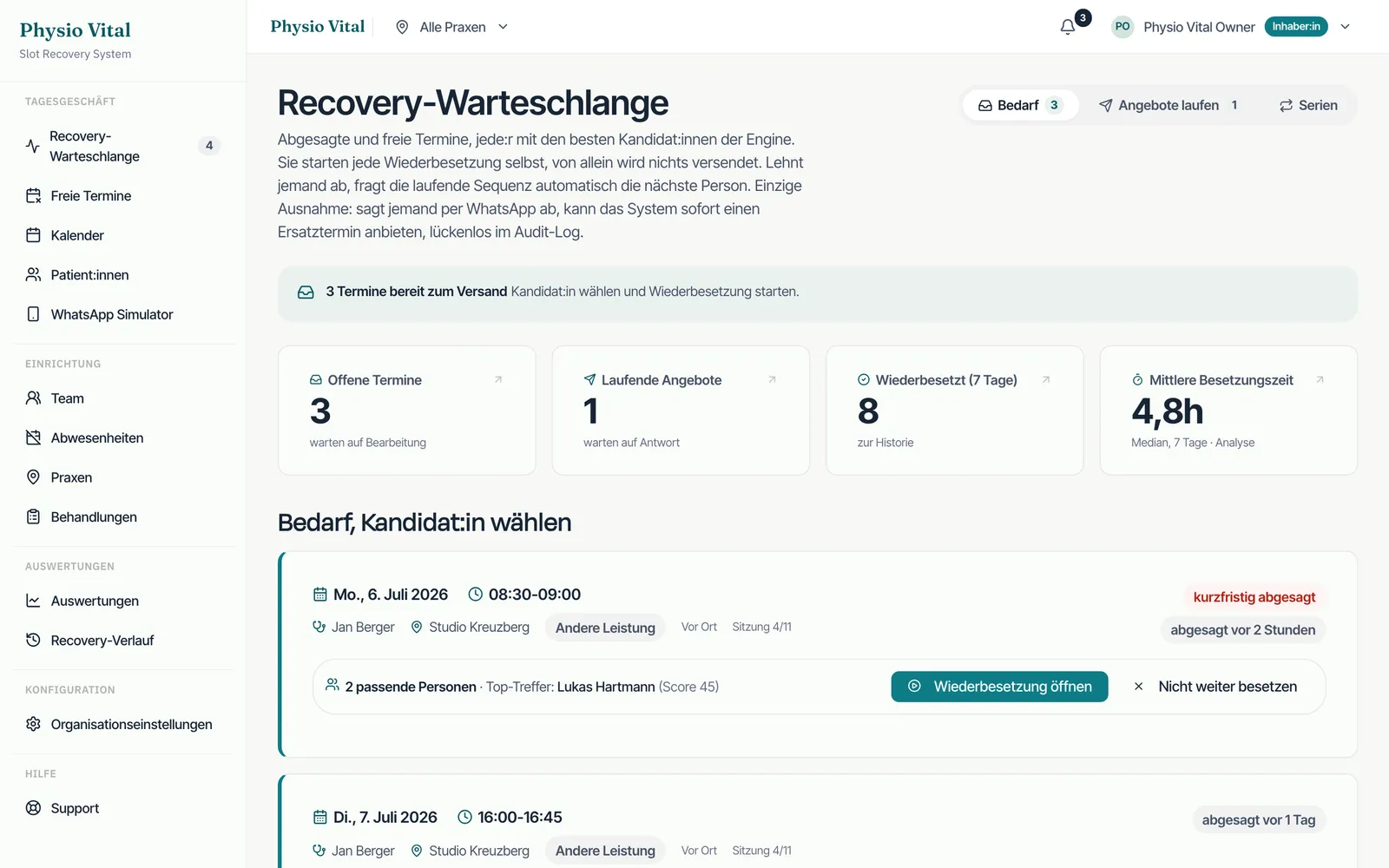


What TerminJet does differently
From passive list to active queue
A name on a notepad never books itself. TerminJet holds waitlisted clients in a ranked queue and acts the second an initial consultation, phone consultation or video consultation slot opens.
Priority you control
Order the queue your way: urgent matters first, longstanding clients first, or by practice area. TerminJet offers slots in exactly that sequence, so the right client is reached first every time.
Matched, not blasted
Offers go only to clients whose case fits the freed slot. Someone waiting for a video appointment won't be offered an in-office document review. Fewer messages, far higher accept rates.
Clients add themselves
When their preferred time is full, clients join the waitlist from your website, leaving consent and case details up front. An offer can go out with no back-and-forth.
How it works
- Schritt 01
Clients join the queue
When a preferred slot is booked out, the client joins your waitlist online, picks their case type, and opts in to WhatsApp or SMS contact.
- Schritt 02
TerminJet watches the calendar
Every cancellation, reschedule or newly opened block is checked against the queue automatically. Nobody on your team has to monitor it.
- Schritt 03
The next match gets the offer
The top matching client gets a timed offer with a confirm link. Accept, and they're booked. Decline or time out, and it rolls to the next in line.
FAQ
How is this different from a normal waitlist?
A normal waitlist needs someone to call down it when a slot opens, and by then the hour is often gone. TerminJet sends the offer instantly and books whoever confirms first.
Can clients choose which appointment types they'll accept?
Yes. At sign-up they pick whether they want an initial consultation, follow-up appointment, phone or video consultation, so they only ever get offered slots they'd actually take.
Does it message the whole list at once?
Only if you want it to. By default it works the queue in priority order, one client at a time, so your most important client gets first shot at the slot.
Is client data handled properly?
Yes. Consent is captured at sign-up, messaging runs on it, and everything is EU-hosted and GDPR-aware. A German digital agency sets up the whole flow and manages it.